Run your yard from one live view.
Coordinate gates, docks, trailers and yard moves from a visual operations centre designed for faster, safer decisions.
Works best on a laptop or desktop
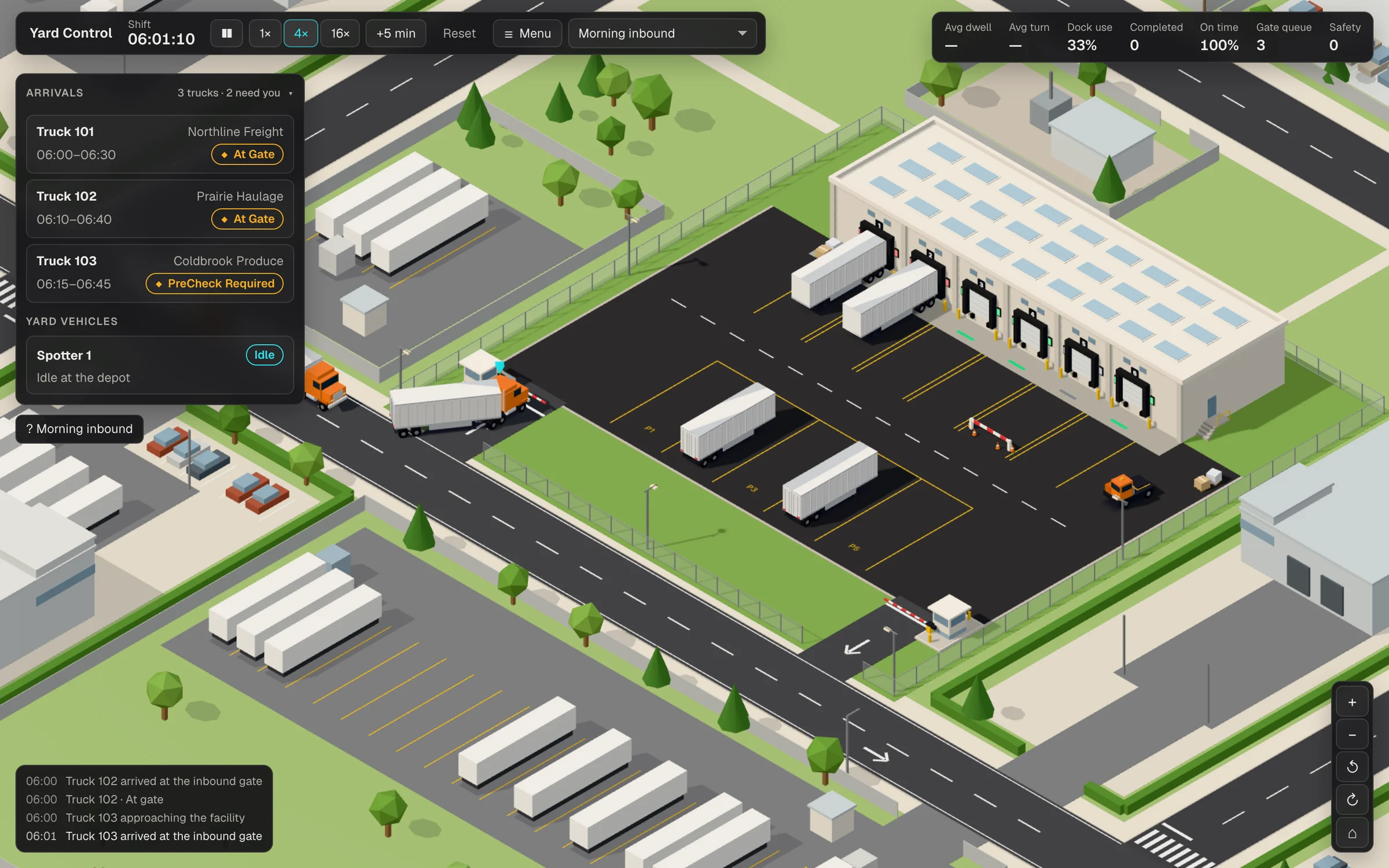
Know what’s happening across the yard.

Live yard visibility
See trucks, trailers, yard vehicles and dock activity from one clear operational view.
Explainable dock decisions
Match arrivals to suitable docks while showing operators the reasoning behind each recommendation.
Exceptions before delays
Surface conflicts, blocked docks, queues and operational risks before they disrupt the plan.
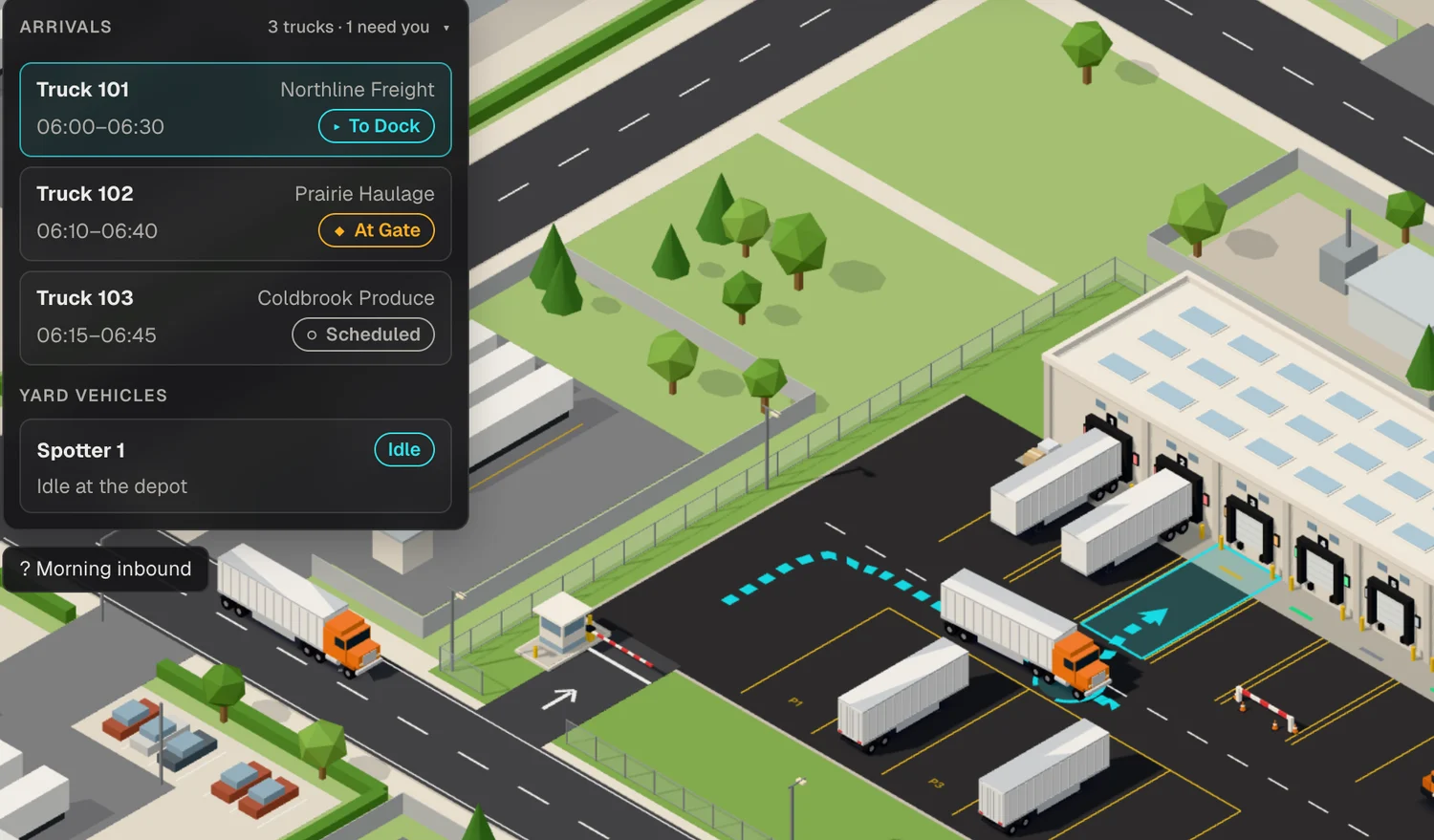
Live operations
See every movement as it happens.
Follow arrivals, gate activity, dock assignments and yard moves from one shared operational view.
- Live vehicle status
- Gate and dock coordination
- Clear visual routes
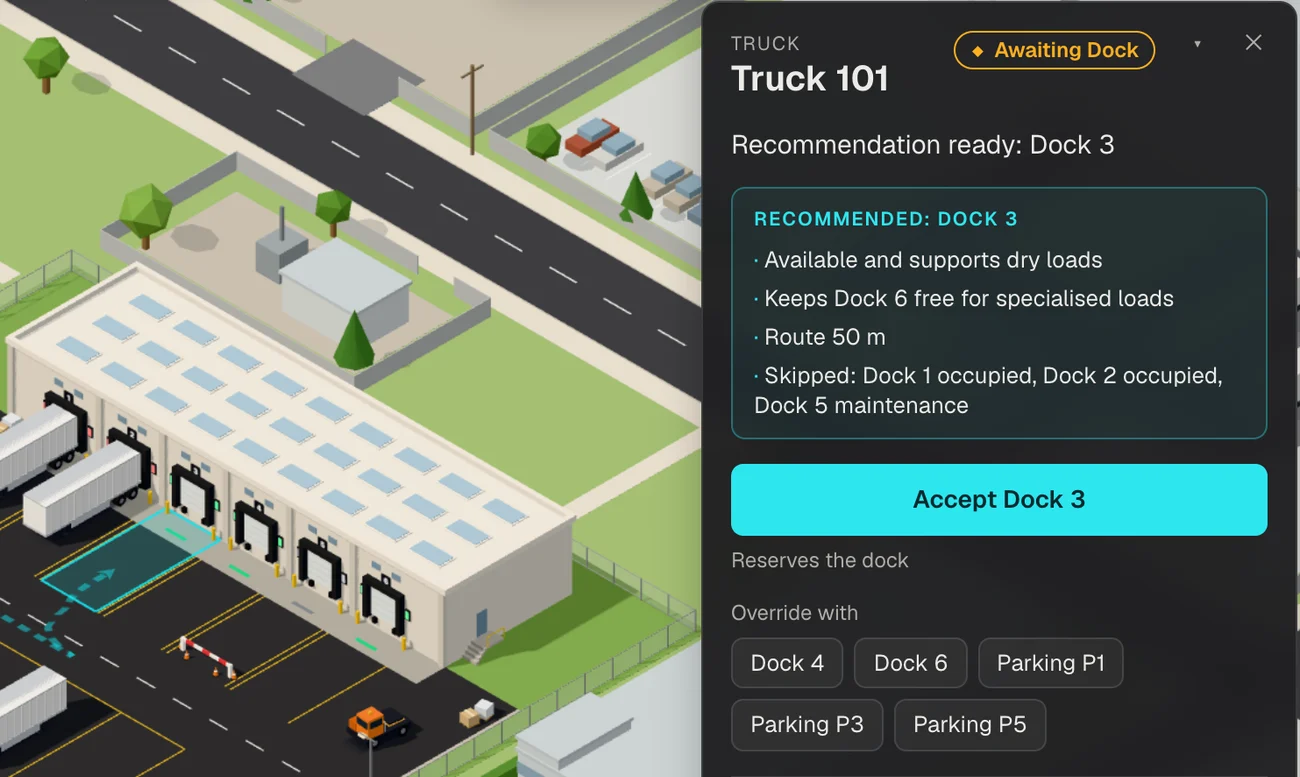
Explainable decisions
Know why each dock is recommended.
Balance availability, load requirements, route distance and priority without hiding the reasoning from operators.
- CompatibilityMatches the load to docks that support it.
- Route distancePrefers shorter routes through the yard.
- PriorityPuts priority loads ahead of standard ones.
Handle the moments that disrupt the plan.
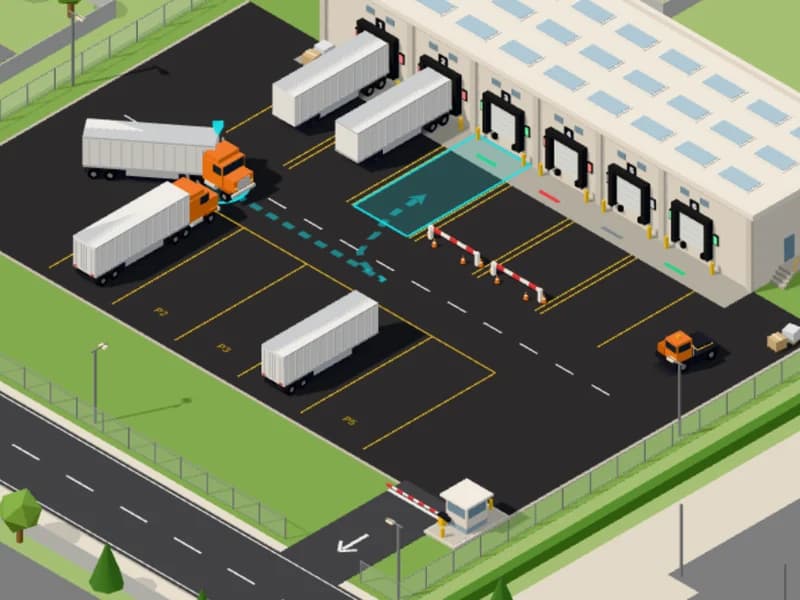
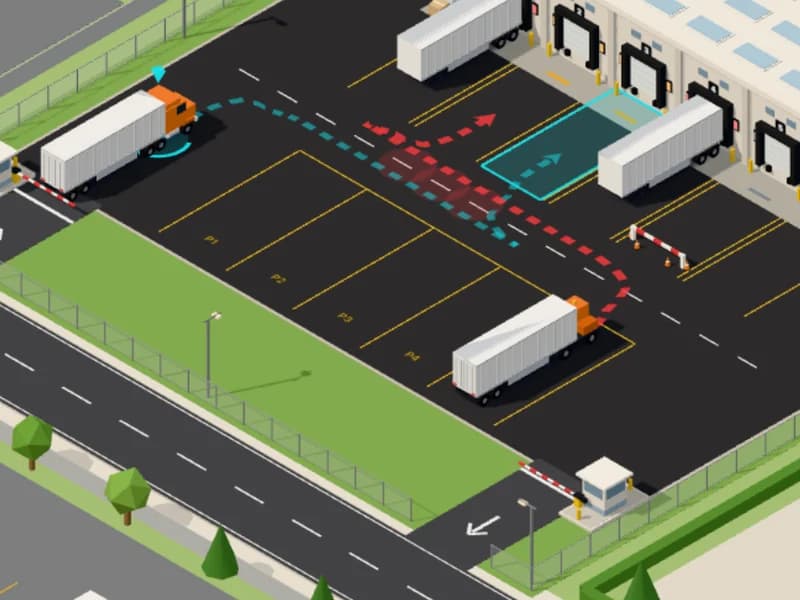
Conflicting routes
Hold or dispatch vehicles while making the safety impact visible.
Try this scenario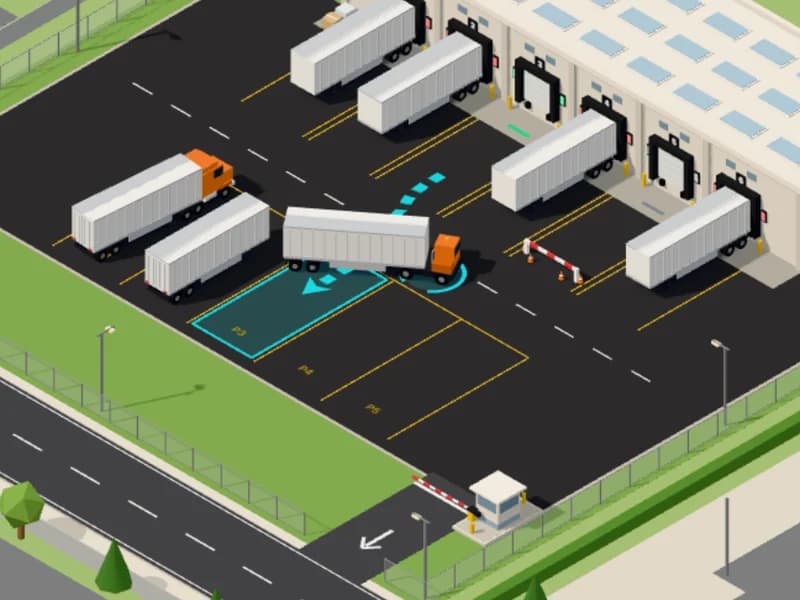
- Average dwell
- 0.7 min
- Average turn time
- 17 min
- Dock use
- 48%
- Completed
- 1
- On-time rate
- 100%
- Gate queue
- 2
- Safety events
- 0
Product walkthrough
One truck, from gate to exit.
Watch an inbound truck move through the whole workflow in about a minute.
- Gate verification and approval
- A dock recommendation with its reasons
- The route through the yard and the reverse onto the dock
- Unloading, documents and release through the exit
Take control of the yard.
Explore the complete workflow in the interactive demonstration.
Works best on a laptop or desktop